AGILE Destination Controls is TK Elevator’s intelligent dispatching system suitable for groups of up to 8 EOX elevators that dramatically improves traffic flow by directing people to the elevator that will get them to their destination in the most efficient way. Derived directly from TKE’s performance high-rise systems and now available for EOX, AGILE Destination Controls’ algorithm groups passengers according to the floor they are travelling to, reducing the number of stops along the way for everybody. The results are up to 25% shorter ride times and an increase of up to 30% in elevator handling capacity compared to conventional systems.
Intelligent dispatching with
AGILE Destination Controls
For the smoothest-possible traffic flow
AGILE’s traffic algorithm not only optimises passenger flow by ensuring that people always take the lift that gets them to their destination fastest. It’s also dynamically adjusted to the current building traffic status using a self-learning function that detects traffic patterns. Simply put: AGILE Destination Controls makes moving about in buildings much more efficient and enjoyable by avoiding foreseeable traffic jams and annoying situations like full cabins stopping at empty landings.
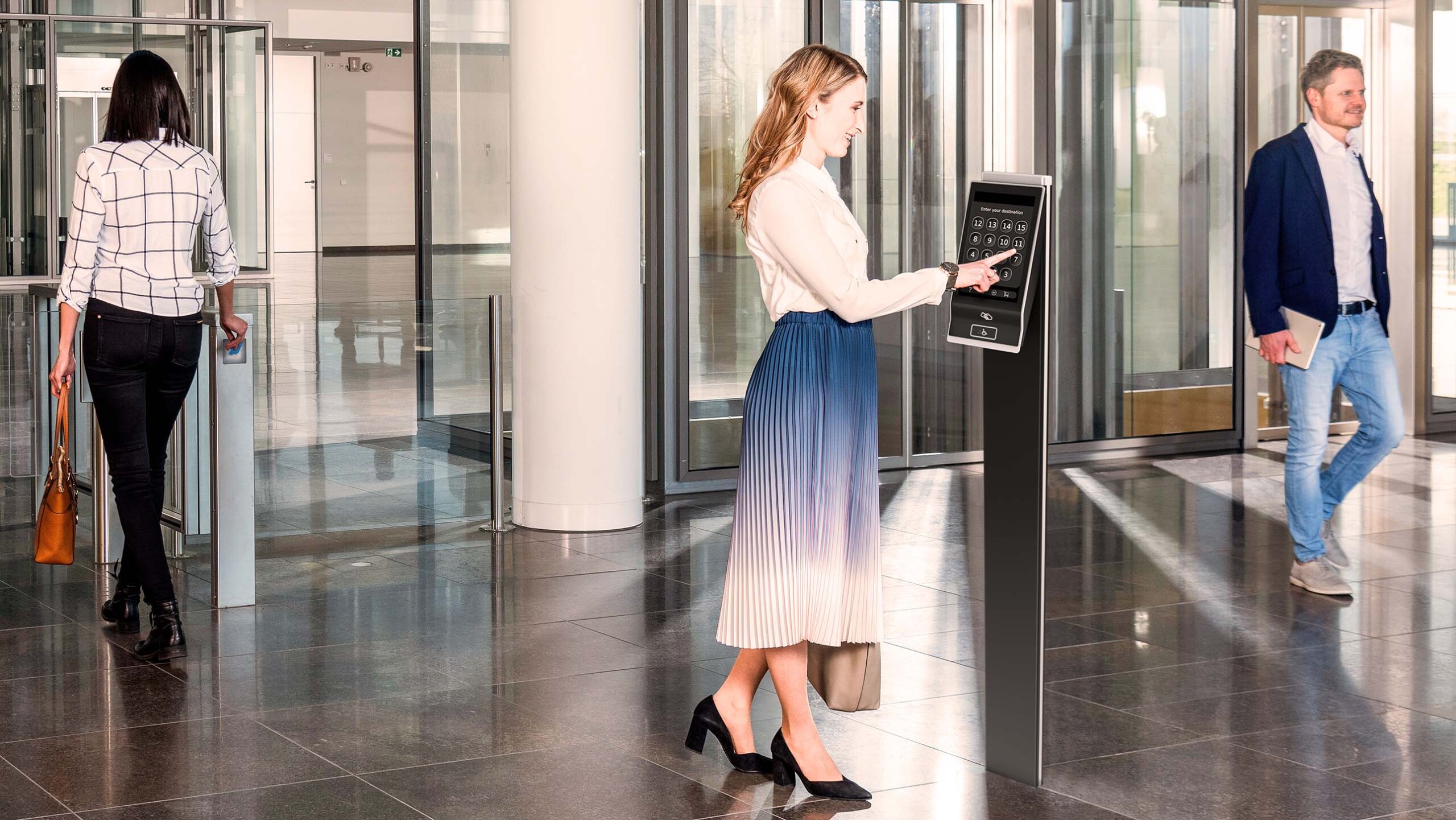
AGILE Destination Controls: How it works
STEP 1
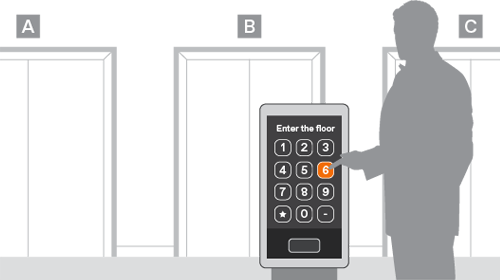
Arriving passengers select their destination floor on the AGILE terminals at the landing
STEP 2
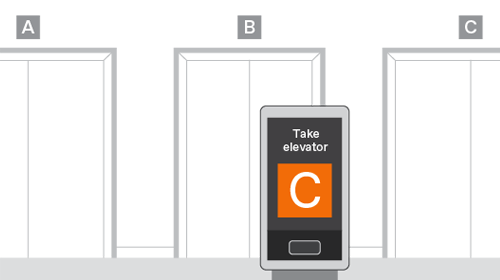
The dispatch algorithm calculates the most efficient route and assigns the passengers to the individual elevators, grouping them by destination
STEP 3

Passengers board their assigned elevator and are transported to their destination floors with the minimum possible stops in between
AGILE Destination Controls at the landing
Terminals with 7″ or 12″ touchscreen display
An AGILE Terminal may be the first thing a visitor experiences inside your building. Its elegant design and intuitive interface make sure that first impression counts and adds to your building’s premium by delivering a superior passenger experience.
AGILE Terminals are available in two sizes with 7″ or 12″ touchscreen displays with black anodized aluminium frames with frosted silver edges. Terminals can be installed wall-mounted or free-standing on pedestals.
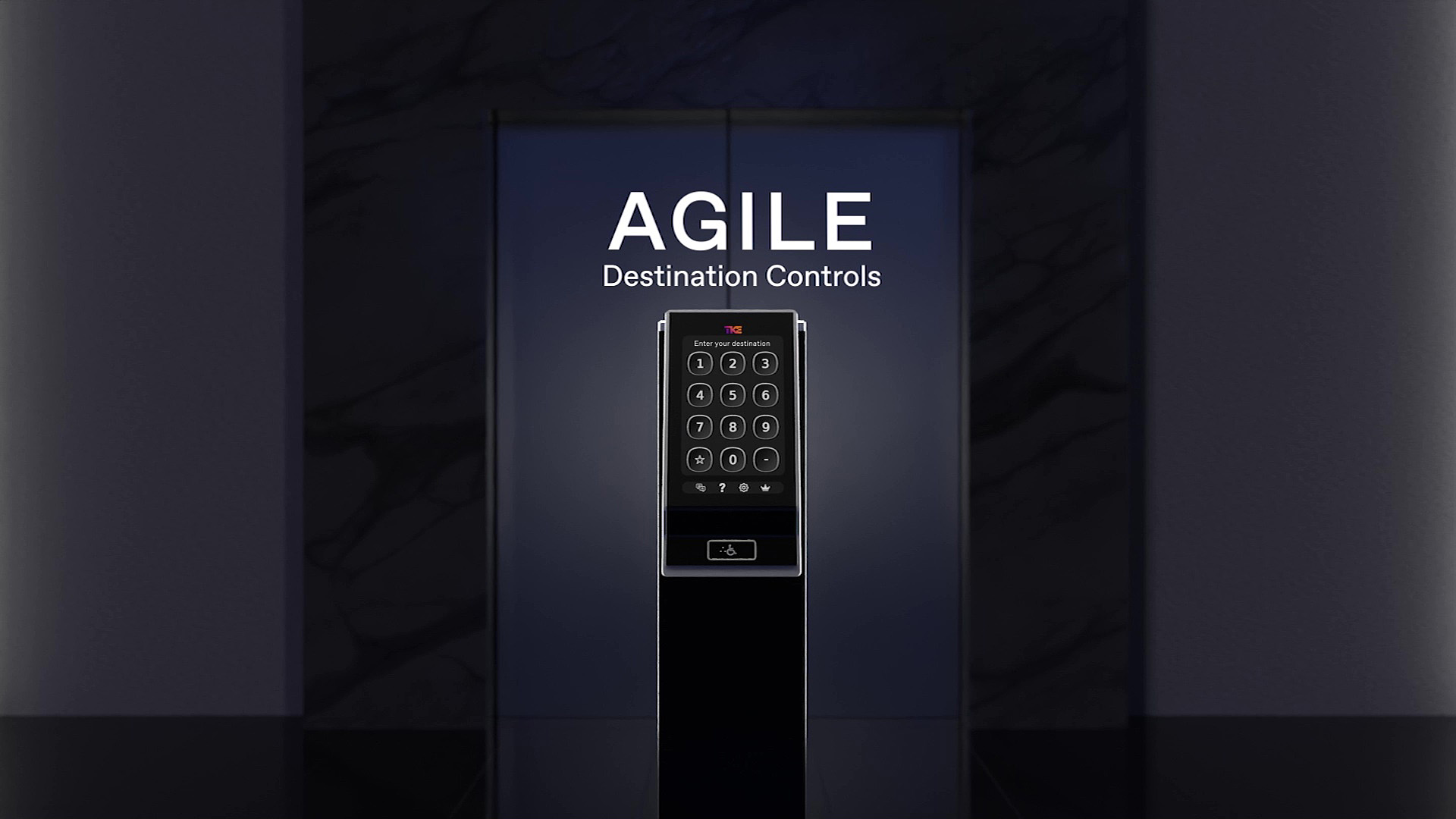
Scan the QR code to view an interactive version of this content with more information and product specifications
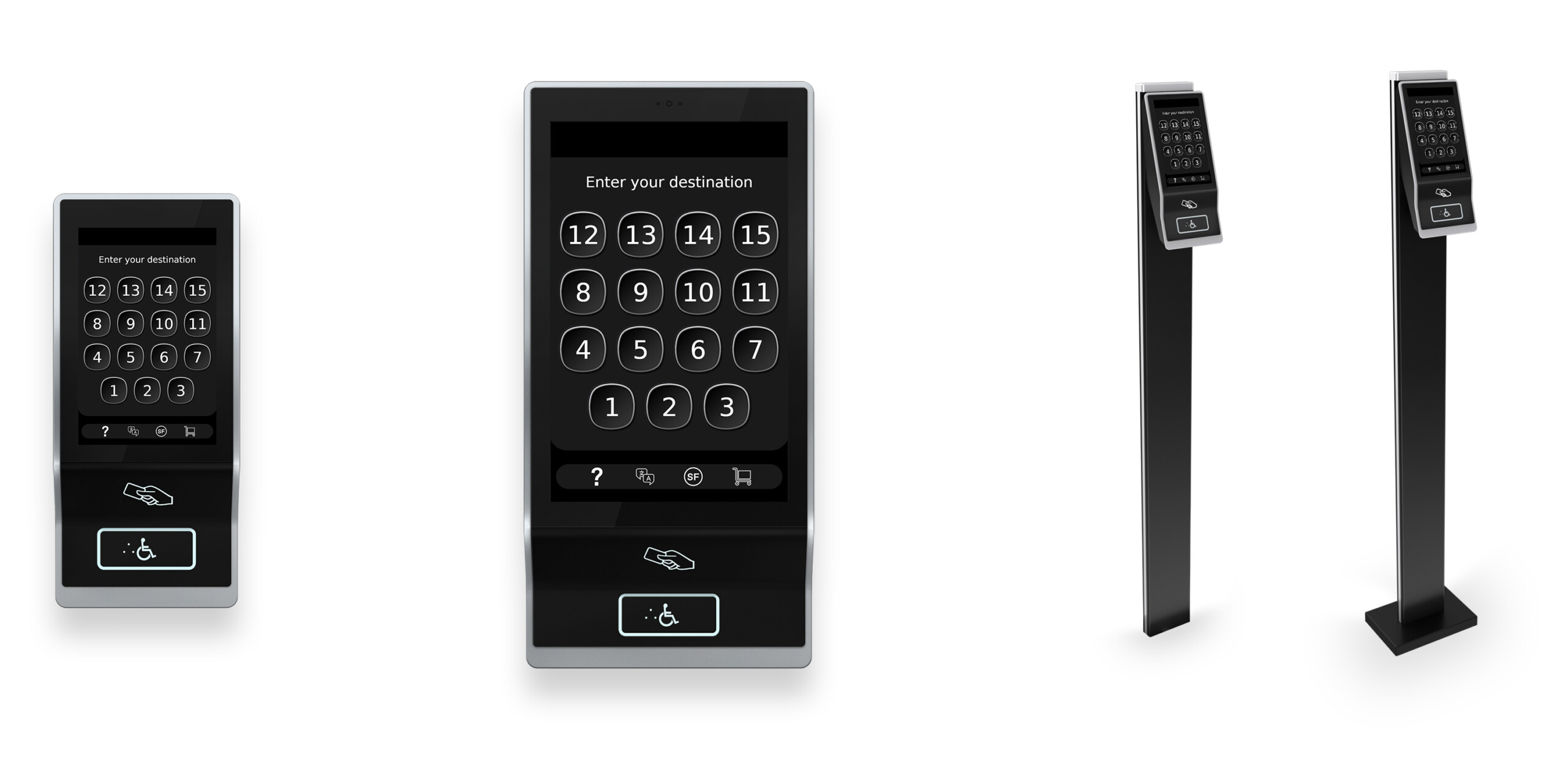
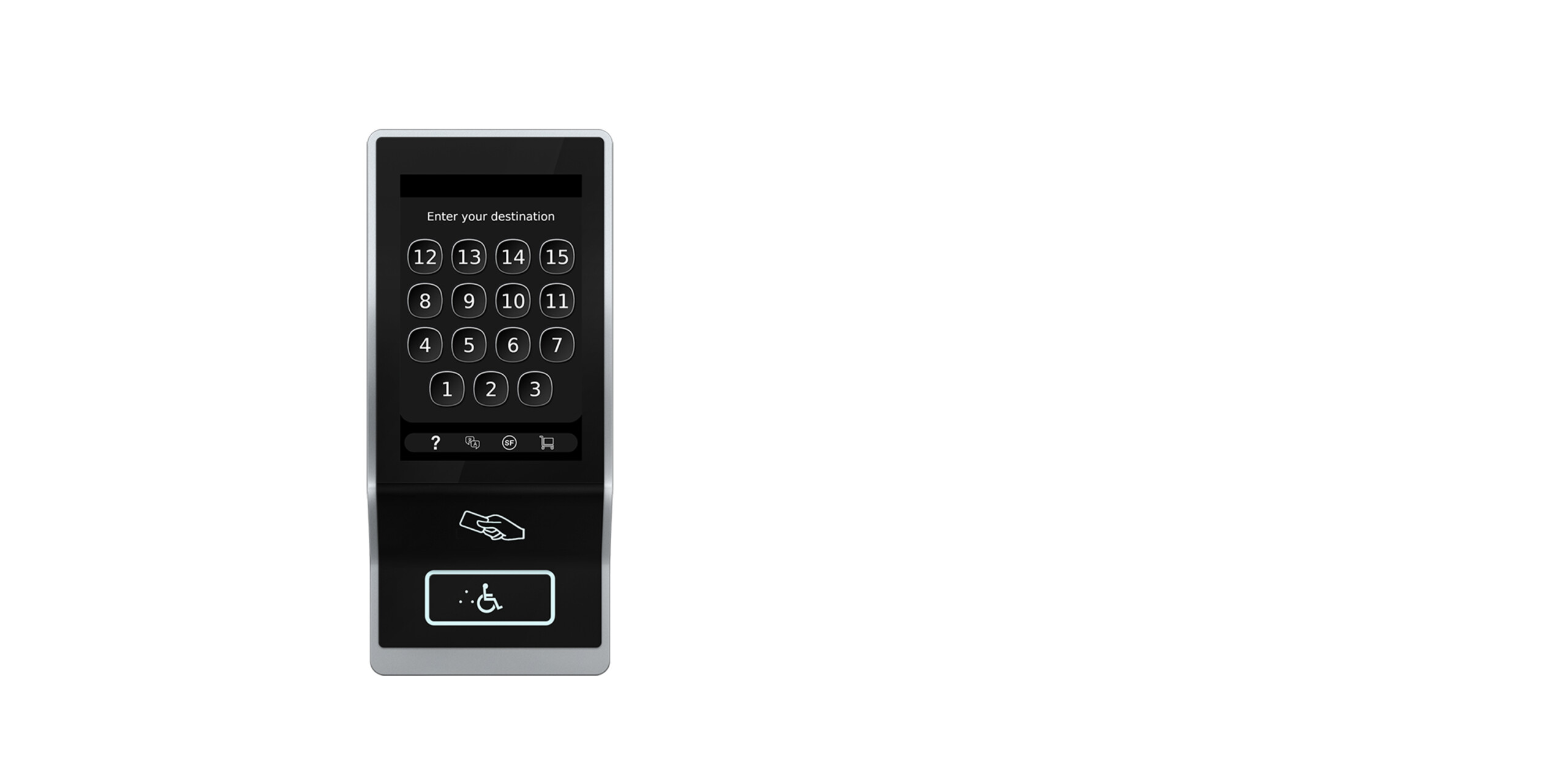


Terminal with 7 inch touchscreen
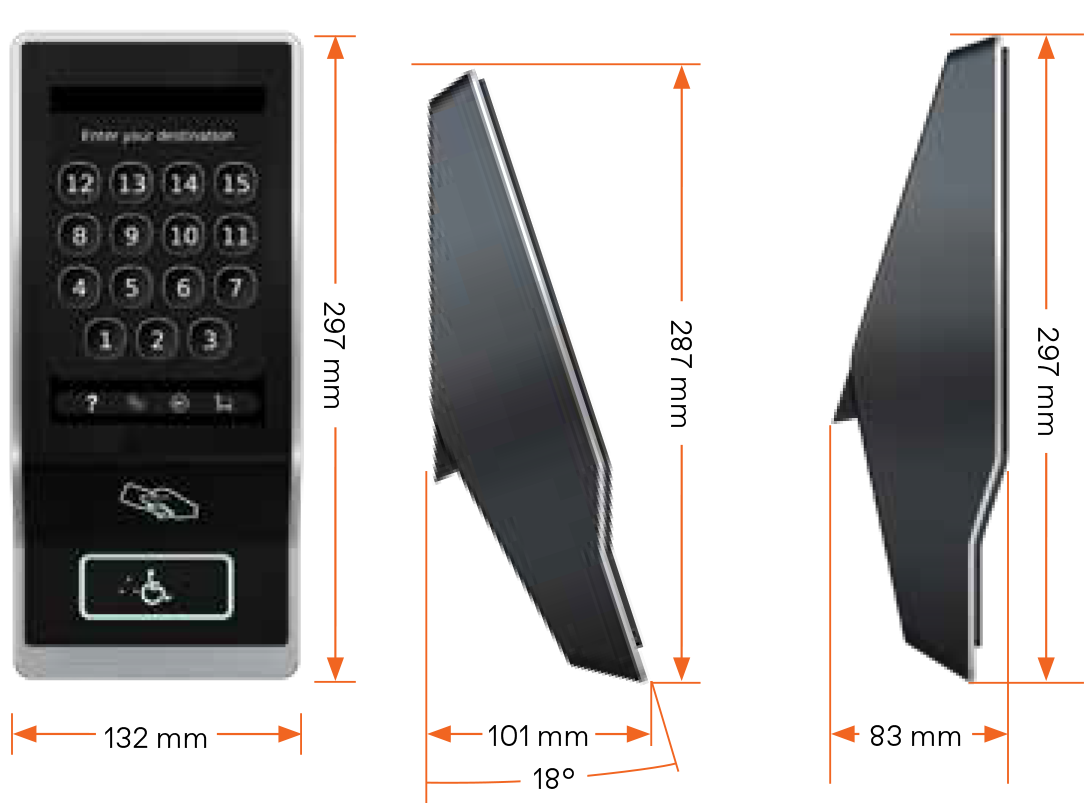
Touchscreen display: 7″ diagonal, 98×148 mm, 1280×800 pixel, 16:10 ratio, 16.7 million colours
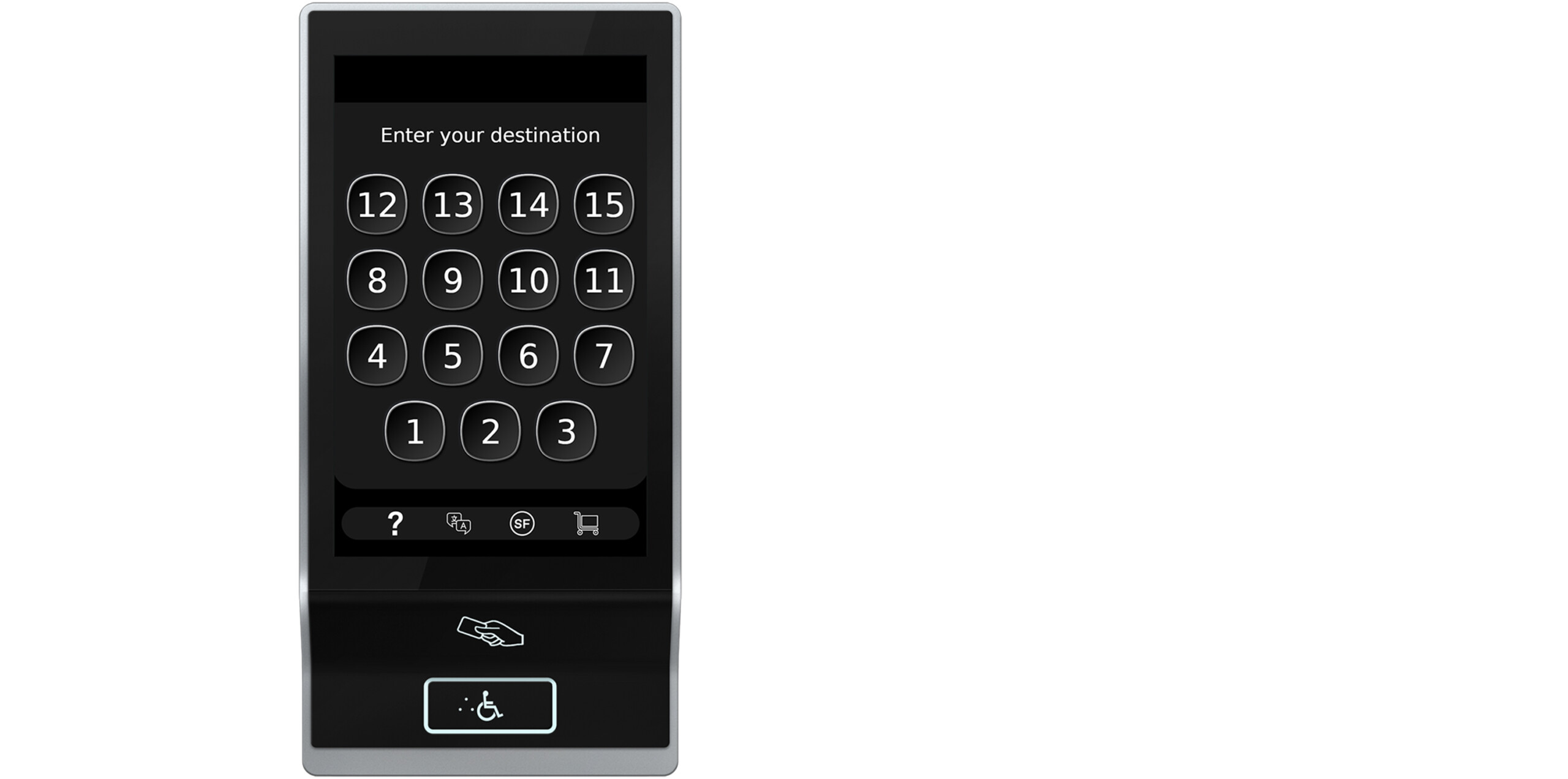
Terminal with 12 inch touchscreen
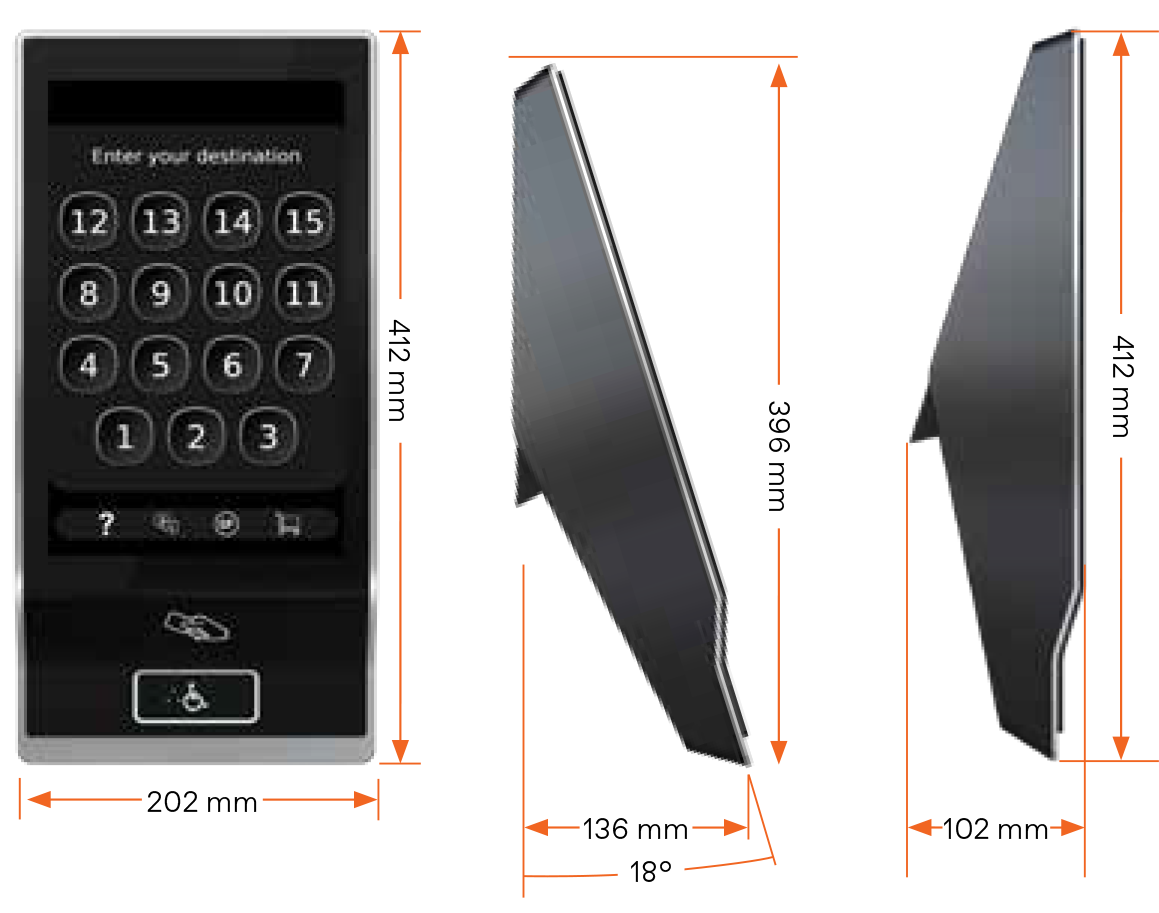
Touchscreen display: 12.1″ diagonal, 162×260 mm, 1280×800 pixel, 16:10 ratio, 16.7 million colours
7″ Terminal on pedestal
For embedded installation flush with floor
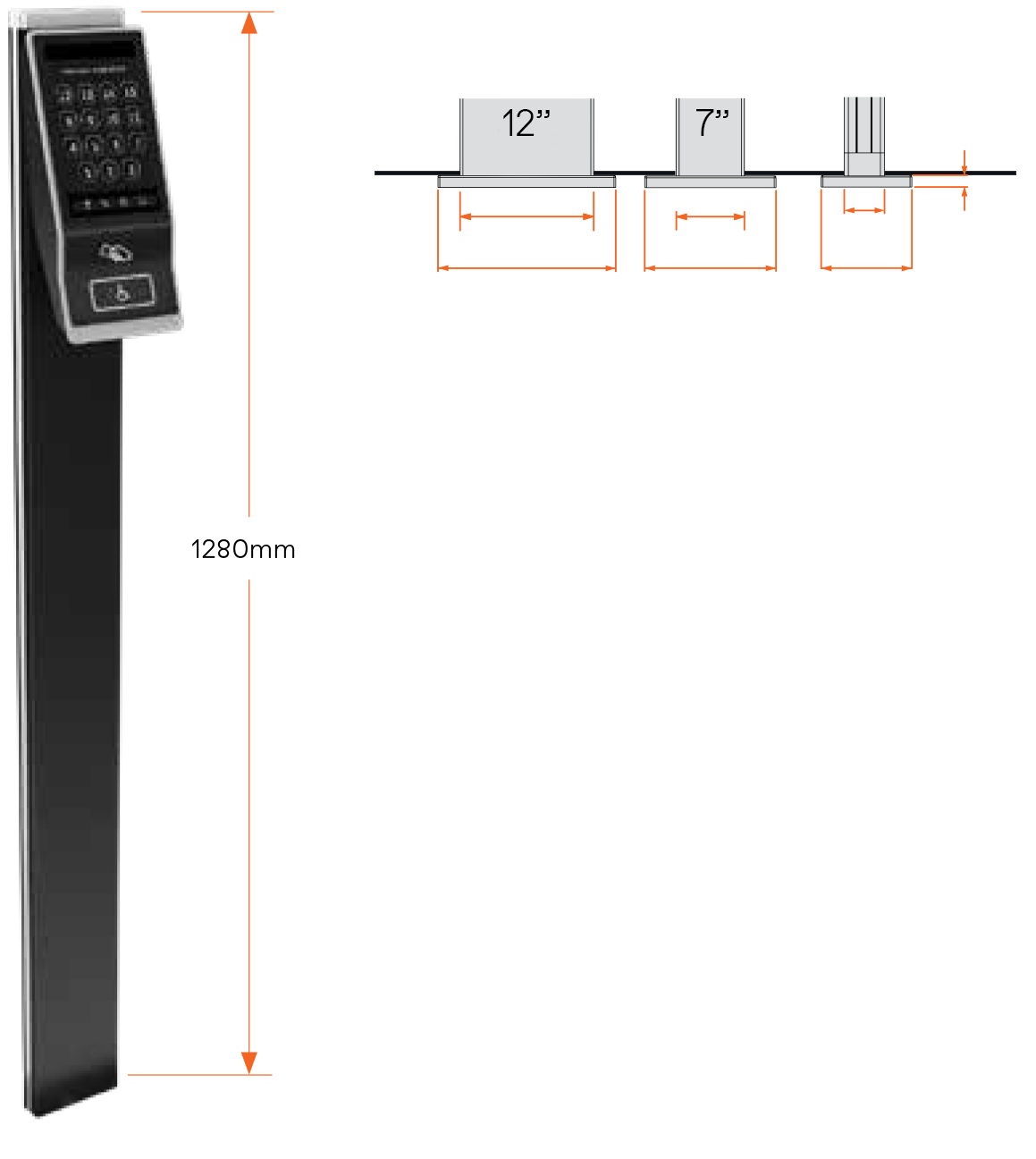
7″ Terminal on pedestal with base platform
For standing installation on floor surface
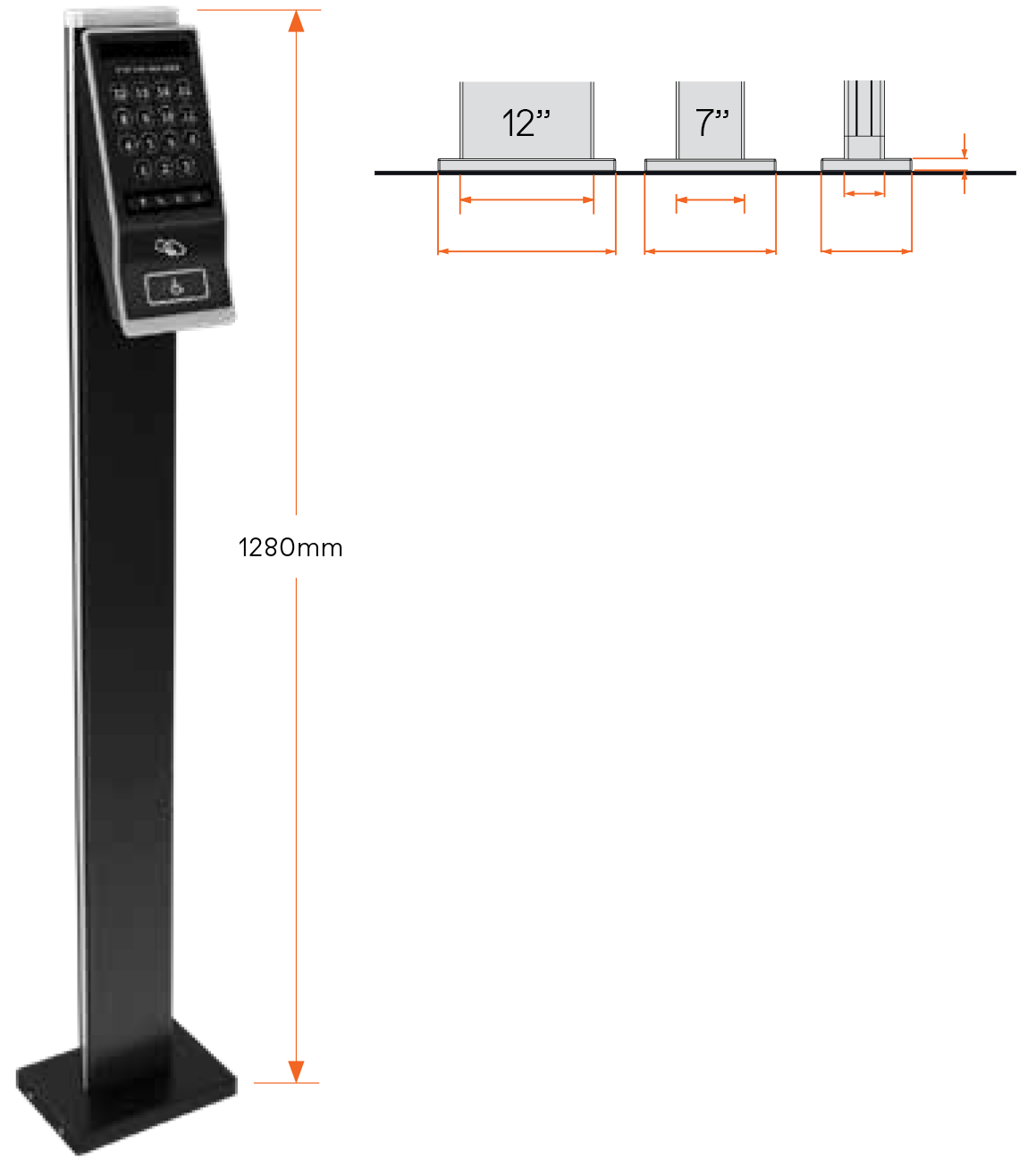
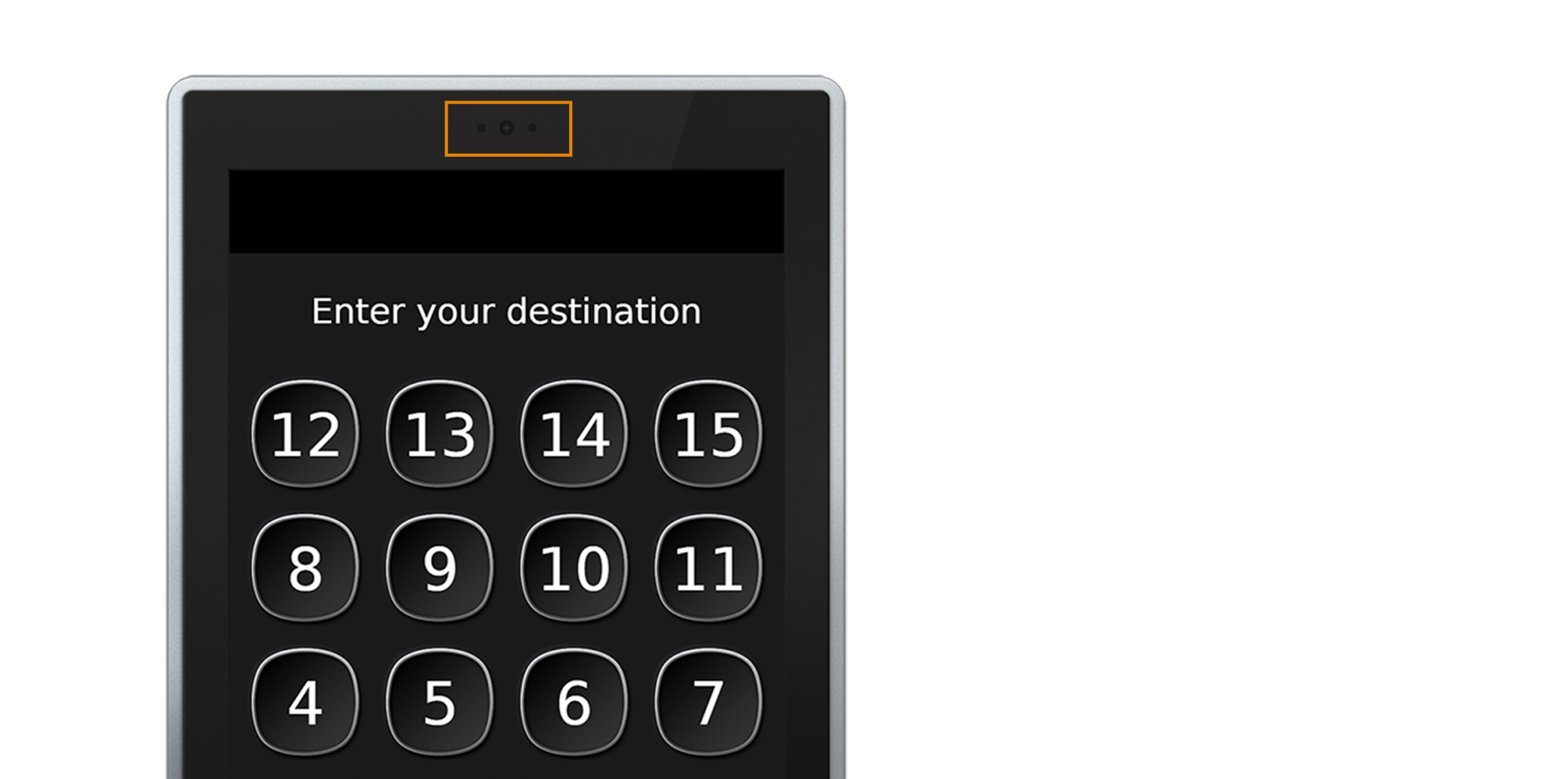
Sensors and optional camera
An integrated ambient light sensor adjusts the display brightness based on the prevailing light conditions to ensure optimal legibility.
The integrated motion sensor deactivates the display’s auto-dimming function when passengers approach the terminal.
For the optional camera, please consult your TK Elevator representative for use cases and availability in your region.
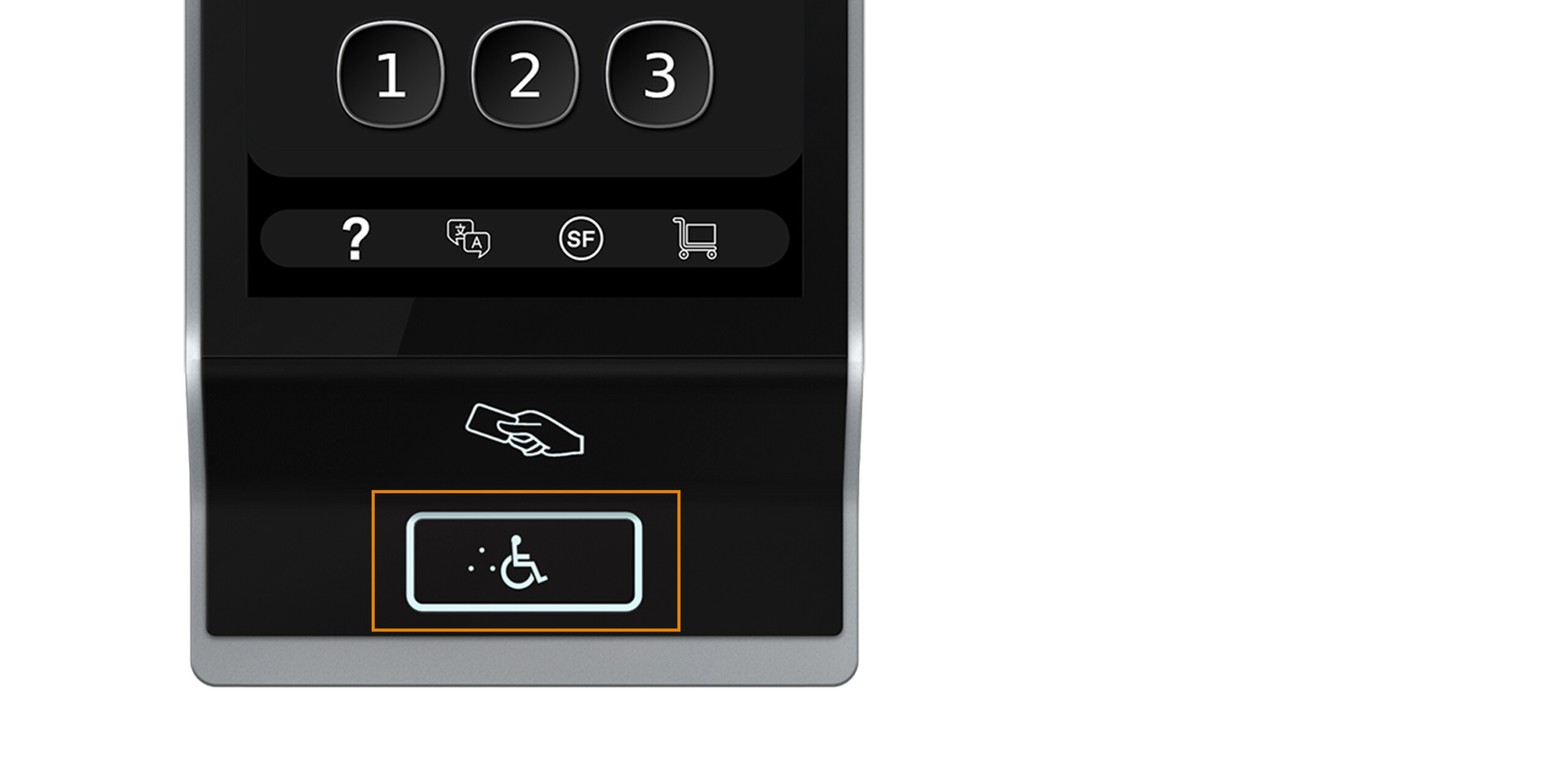
Accessibility button
Hardware button to support passengers with disabilities with audio guidance and extending walking and door dwell times. When the accessibility button is operated, the floor numbers are listed audibly in ascending order via the built-in loudspeaker. As soon as the desired destination floor has been announced, the accessibility button must be pressed again. This confirms that floor as the destination floor. The elevator selected by the system is then announced. Complies with EN 81-70.
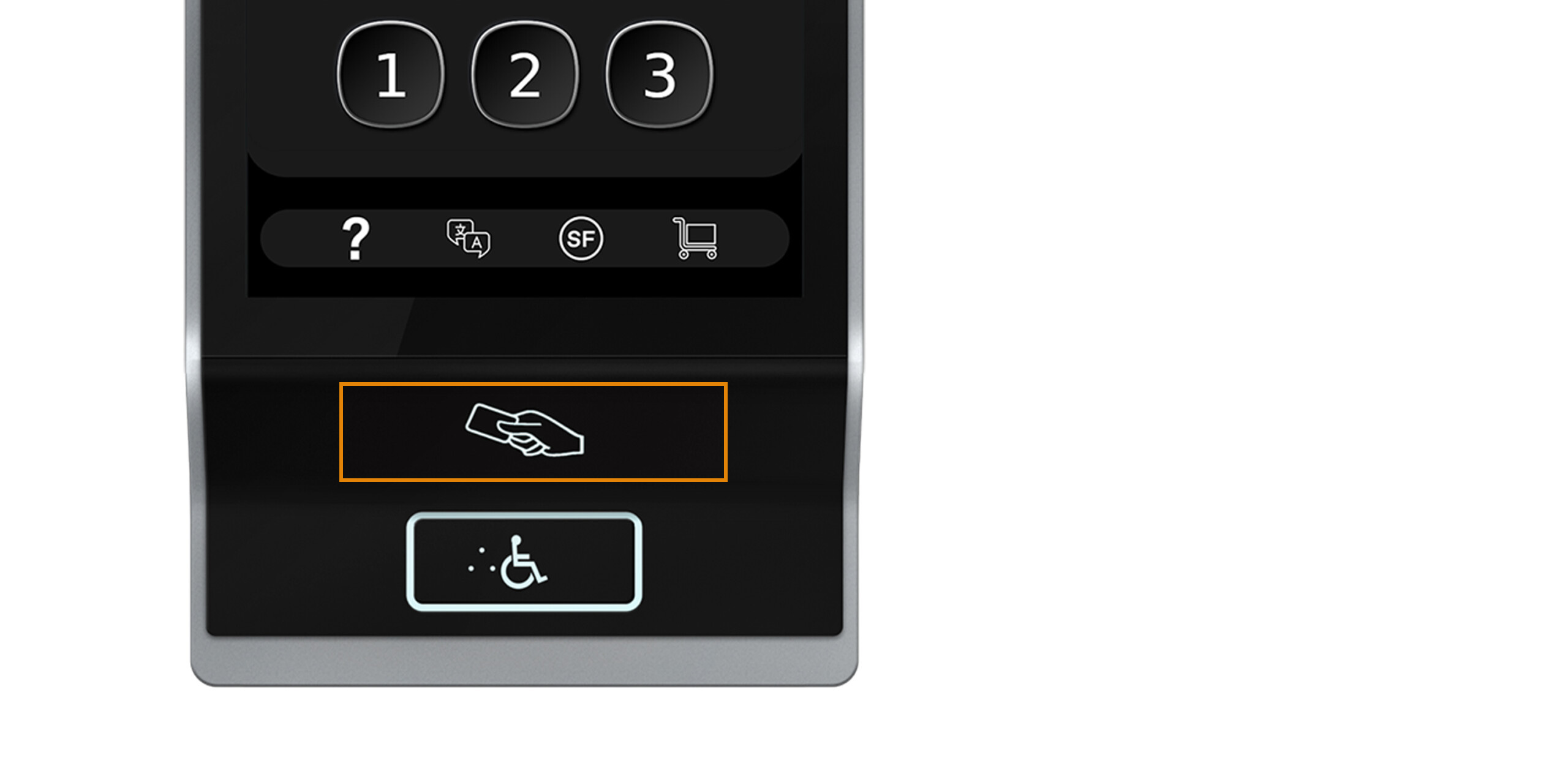
RFID card reader (optional)
Can be linked to building access control systems to allow access to restricted floors or to activate special functions (e.g. cleaning mode, VIP mode).
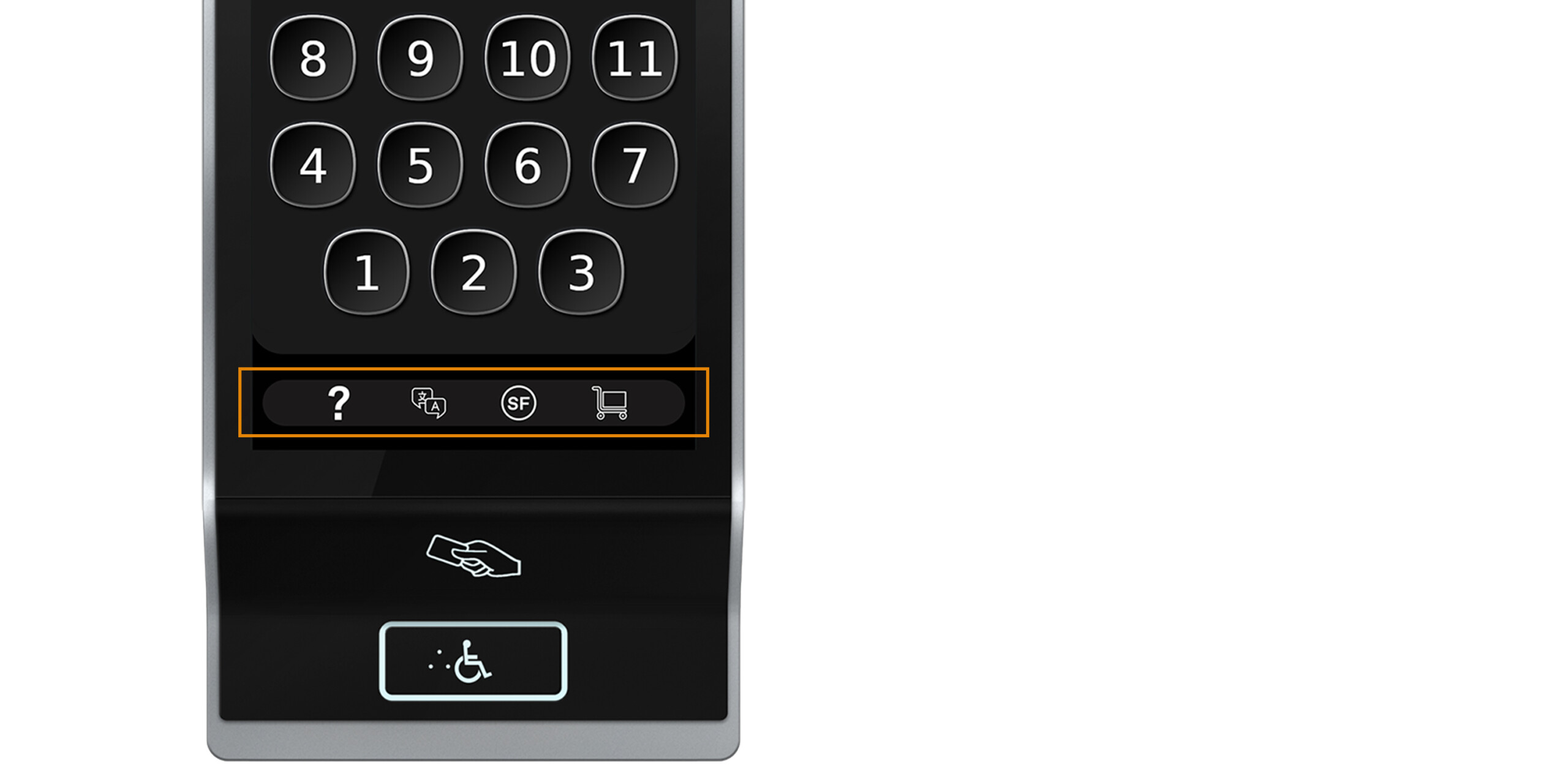
Dock section
The dock section hosts buttons for additional functions such as the help (?) and language section for passenger assistance.
The button with the shopping cart icon activates “basic transport mode” which extends walking and door dwell times for passengers with luggage or transportation of bulky goods.
The special functions button (SF) gives access to PIN-code activated functions like VIP mode (priority ride without intermediate stops) or the cleaning mode (calls empty cabin to the requesting floor to be cleaned).
AGILE Destination Controls in the cabin
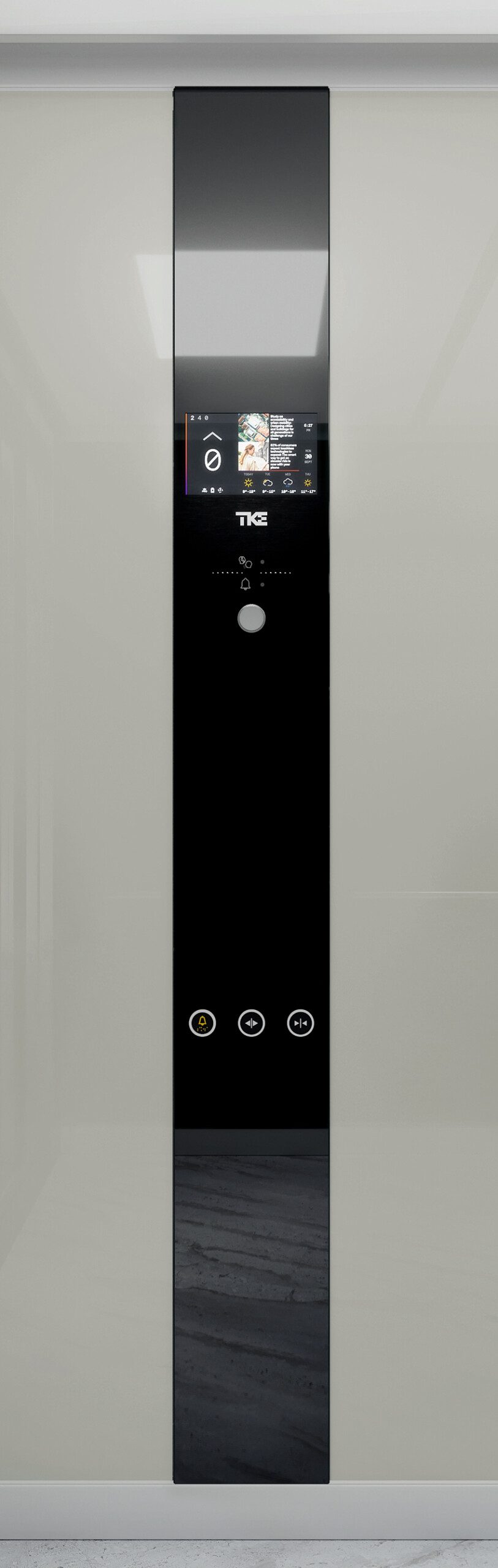
IL Variable DSC
Because passengers already input their target destination on the AGILE Terminal in the landing, the IL Variable DSC operating panel inside the elevator cabin only needs to be equipped with the essentials: up to 8 auxiliary buttons or key switches, the 10″ EOX multimedia display and the standard emergency lighting and intercom. Dimensions, available finishes and push buttons are the same as with the standard IL Variable.
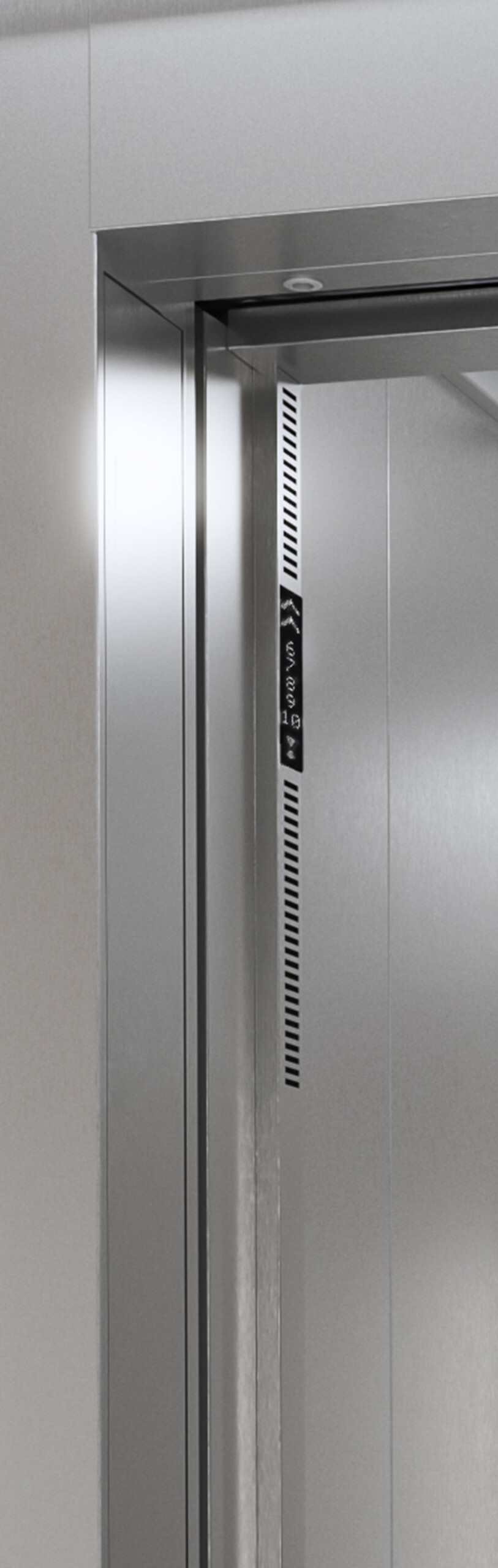
Next Level Indicator
The optional Next Level Indicator is a slim monochrome matrix LED display embedded in the cabin door frame showing the next stops assigned to the elevator. It aids passenger comfort and facilitates orientation, both inside the elevator cabin and at the landing.

Customisable interface design
AGILE Design Center enables customisation of the user interface on AGILE Terminals. From button styles and colours to background images, wayfinding graphics and even custom messages. Individual themes and default settings can be applied by terminal, elevator group or floor.

Combine with AGILE Access
AGILE Access provides a cyber-secured interface to connect your EOX elevator environment to 3rd party building access management systems. Swiping an ID card and placing an elevator call can then work in one go, same as restricting access for temporary visitor cards.